 usetheprompt
Anime@abeChatGPT
Turn Your Photo Into a Ghibli-Inspired Illustration
See the result, copy the exact prompt, and create your own version.
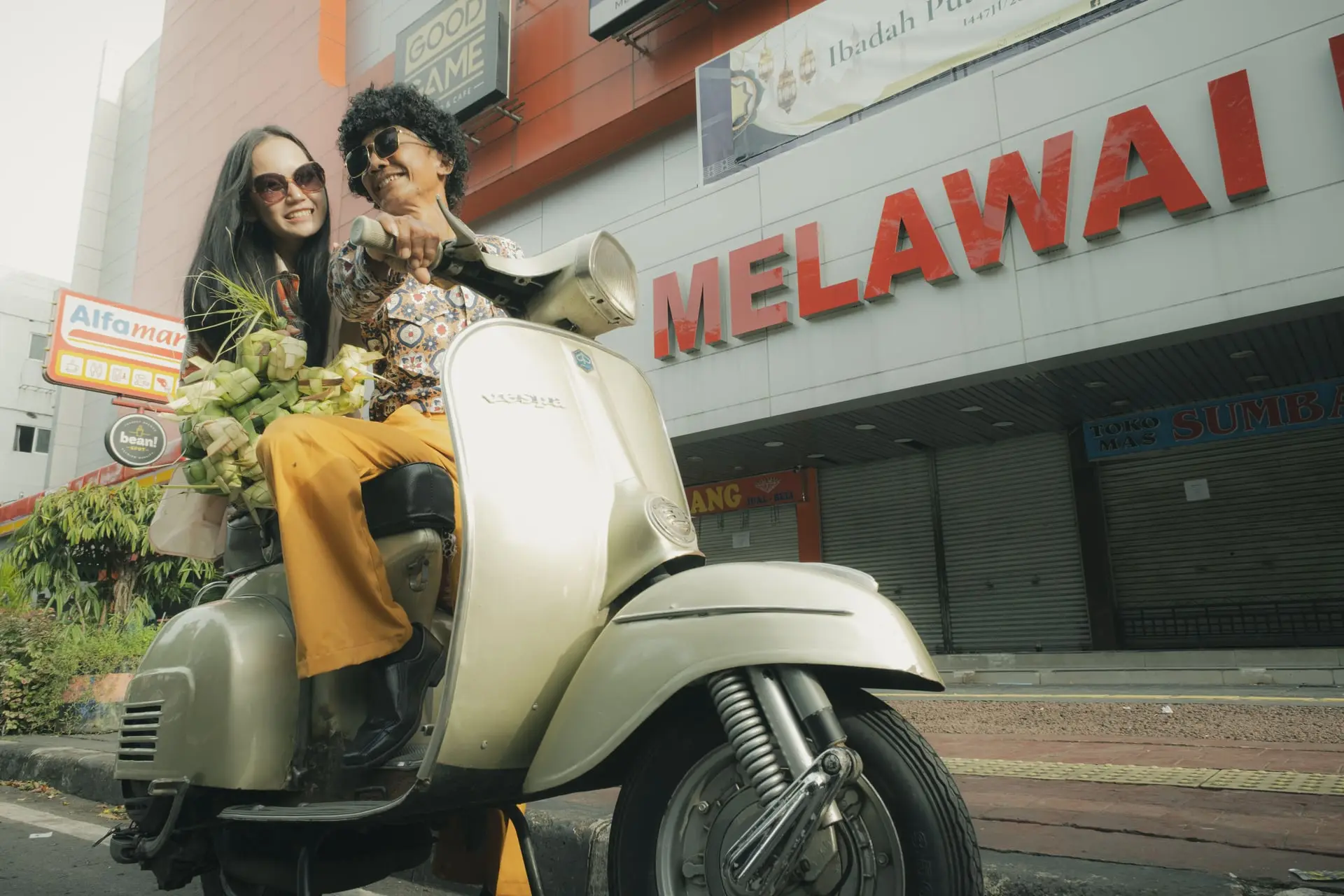
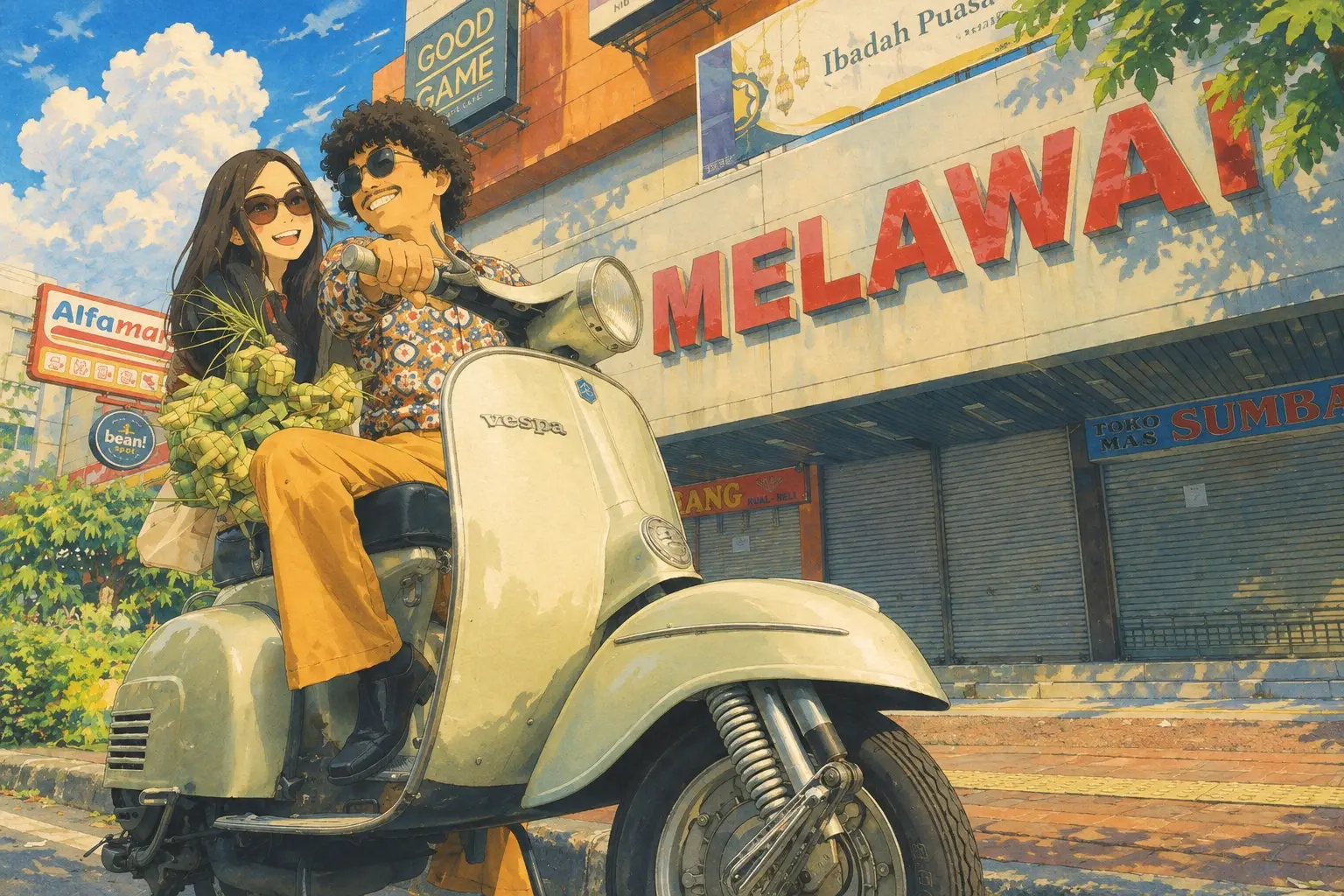
Before: Two people riding a cream-colored vintage scooter on a city street, in front of a building with large red lettering. After: The same scene redrawn as a hand-painted illustration, under a bright blue sky with towering clouds.
Drag the handle, or focus the image and use the arrow keys.
What this prompt changes
The photo keeps its layout, but every surface is repainted: the sky becomes soft watercolor, greens become more saturated, and edges pick up fine ink lines. The sentence "Keep the original composition and subjects" is what stops the model from inventing a new scene.
What each phrase does
- hand-painted Studio Ghibli-style illustration
- Sets the overall look. Naming a hand-painted style pushes the model away from smooth digital rendering.
- Soft watercolor sky
- Replaces a flat or overcast sky with a painted one. Most of the "storybook" feel comes from here.
- gentle ink linework
- Adds thin outlines around shapes. "Gentle" keeps them from turning into comic-book lines.
- warm afternoon light
- Sets the direction and color of the light, which carries the calm, nostalgic mood.
Adapt it
- Swap the sky and greens for the setting in your photo, such as "snow-covered rooftops" or "a turquoise sea".
- Remove "Studio Ghibli-style" and write "hand-painted anime film style" if the tool refuses the studio name.
- Add "keep the faces recognizable" for portraits.
Details
- Tool
- ChatGPT
- Model
- GPT-Image-2.5
- Style
- Anime
- Creator
- @abe
- Prompt status
- Original
- Added
- October 20, 2026
Original means the creator wrote it. Adapted means it was changed from another source. Unverified means we could not confirm where it came from.
More prompts like this
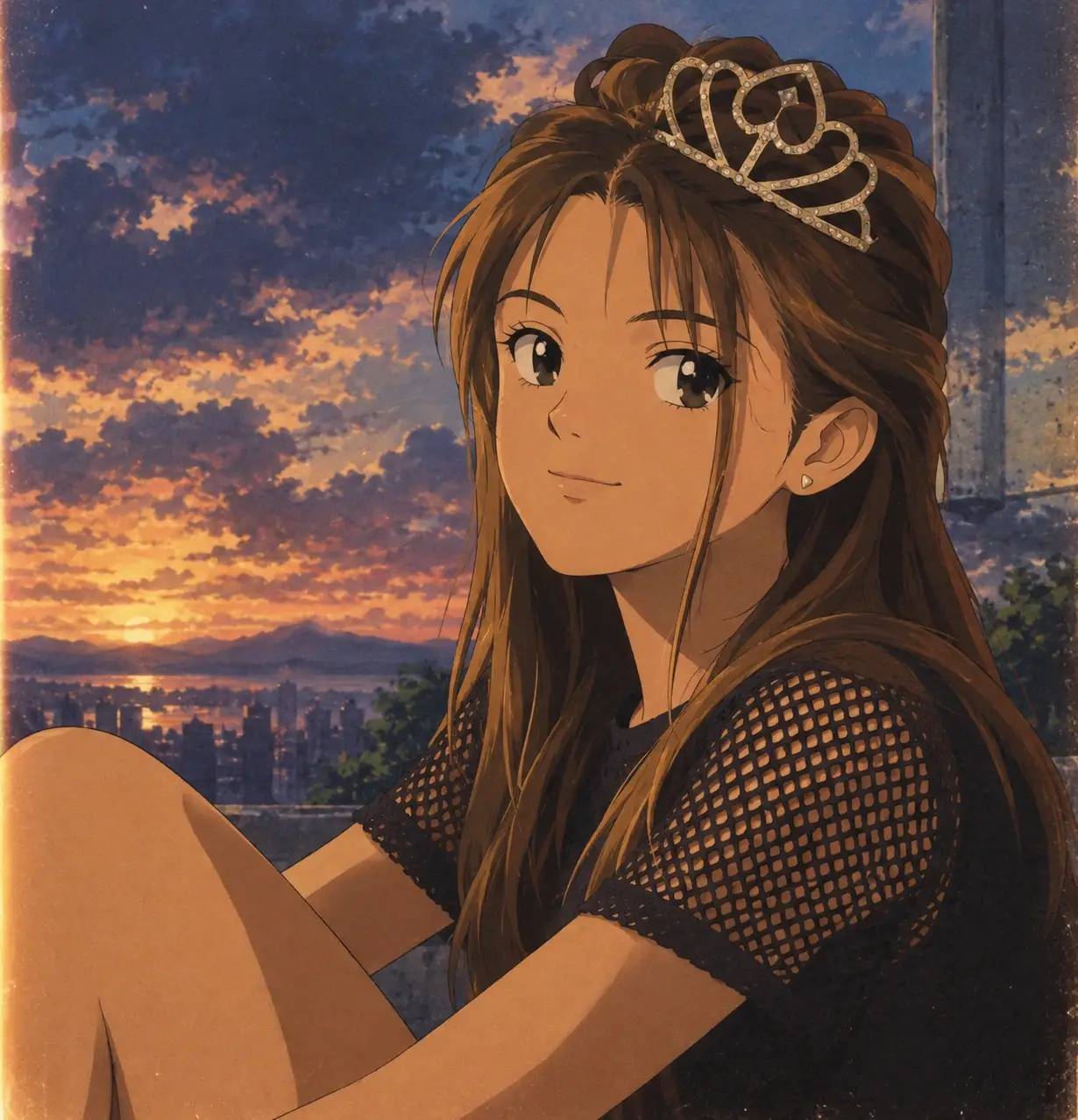
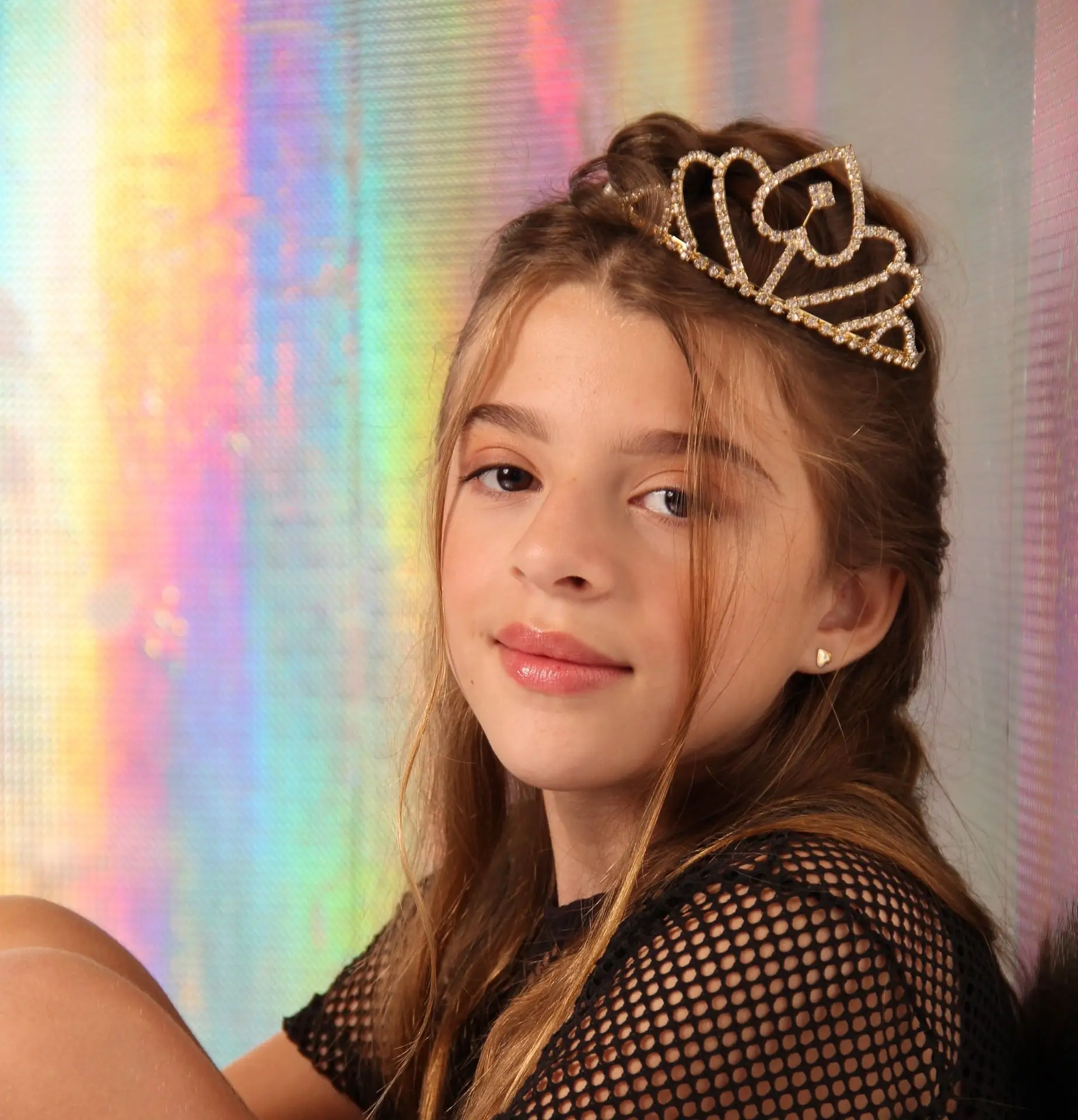 Original photo
Cel-Shaded Anime Frame
Anime@abeChatGPT
Redraw this photo as a frame from a 1990s anime film. Flat cel shading, clean dark outlines, hand-painted background with dramatic clouds, slightly desaturated palette, subtle film dust and cell halation.
View prompt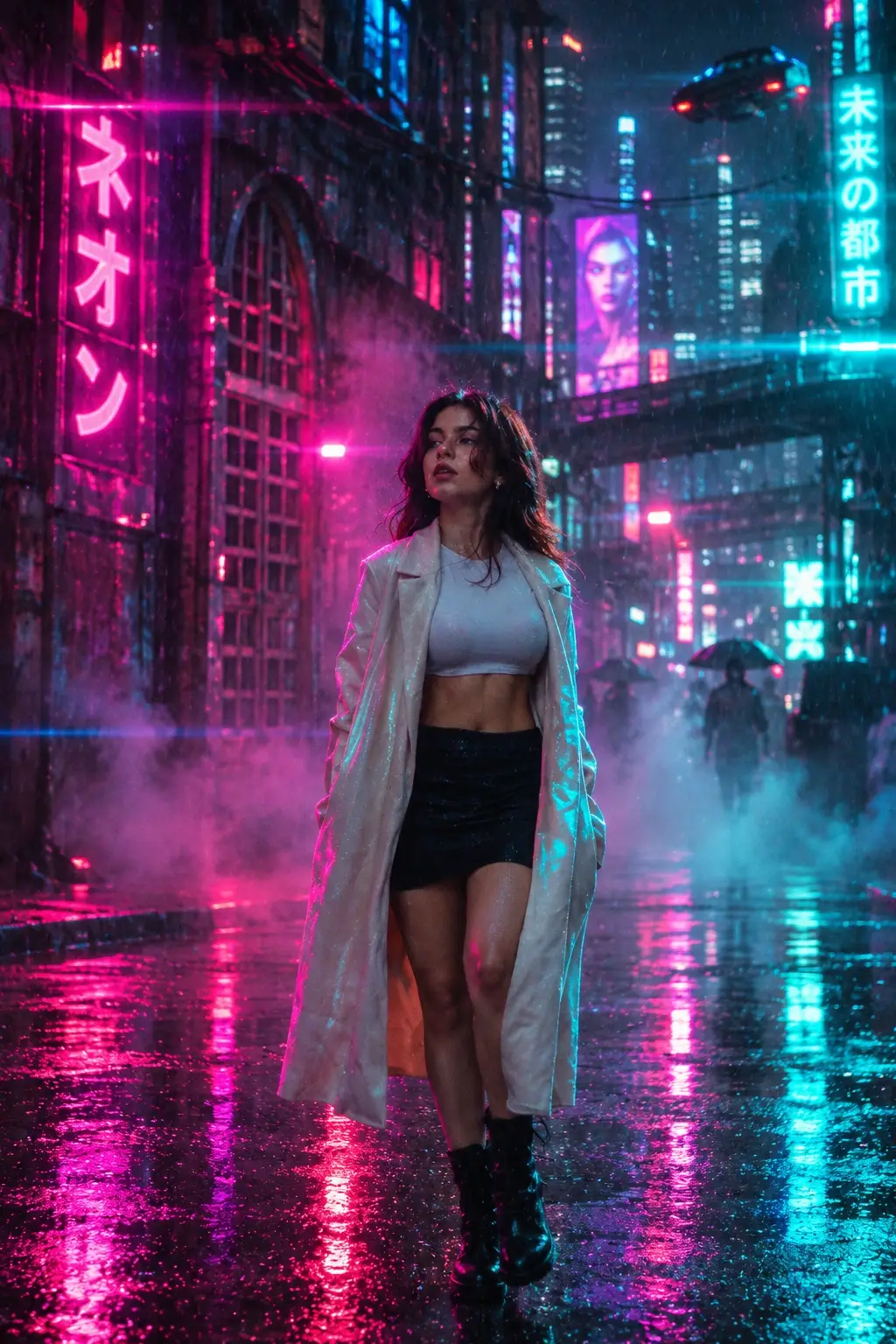
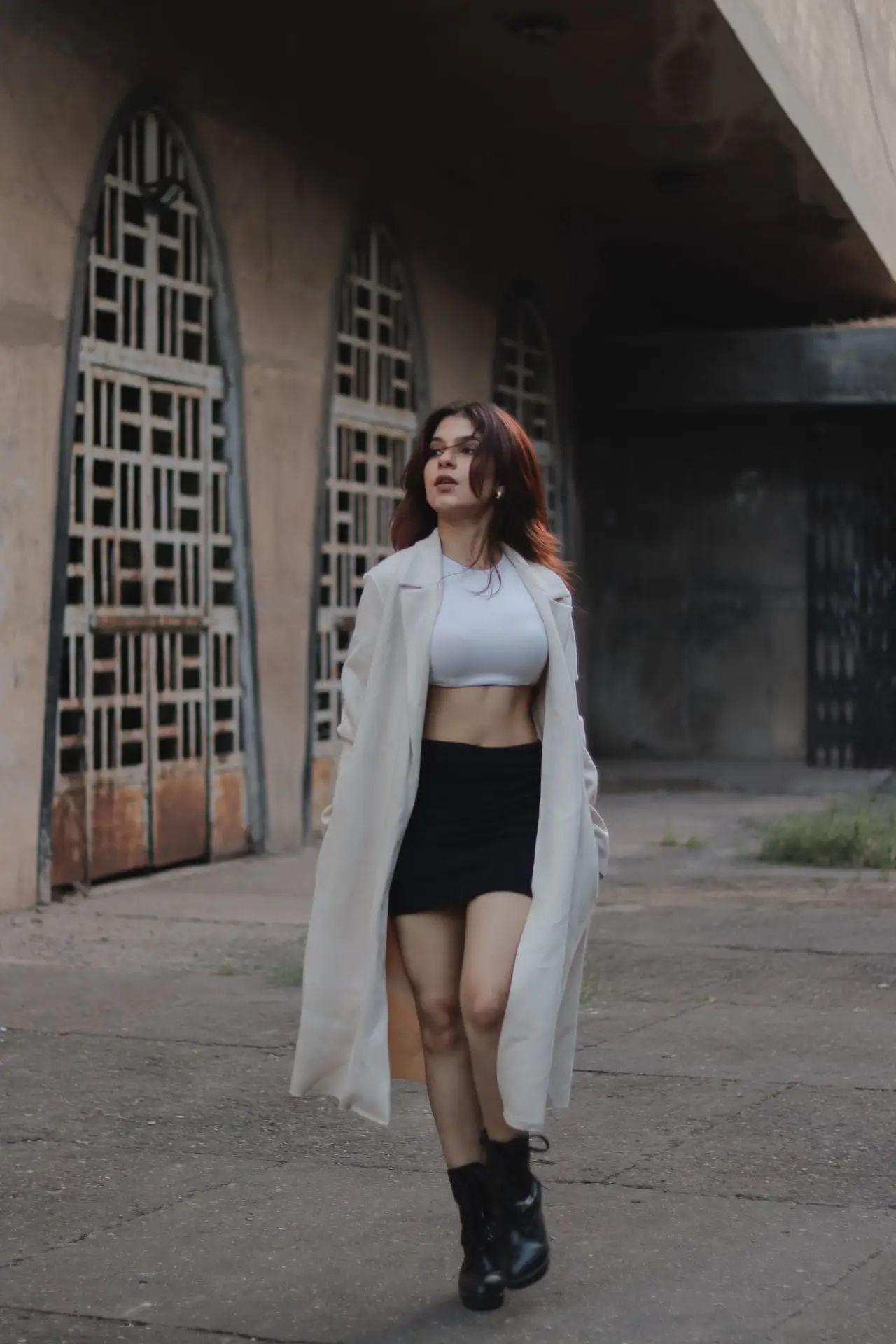 Original photo
Neon Rain Cyberpunk Rework
Cyberpunk@abeChatGPT
Reimagine this scene at night in a rain-soaked cyberpunk city. Magenta and teal neon reflections on wet ground, volumetric fog, glowing signage, cinematic anamorphic lens flare, high contrast, 35mm film grain.
View prompt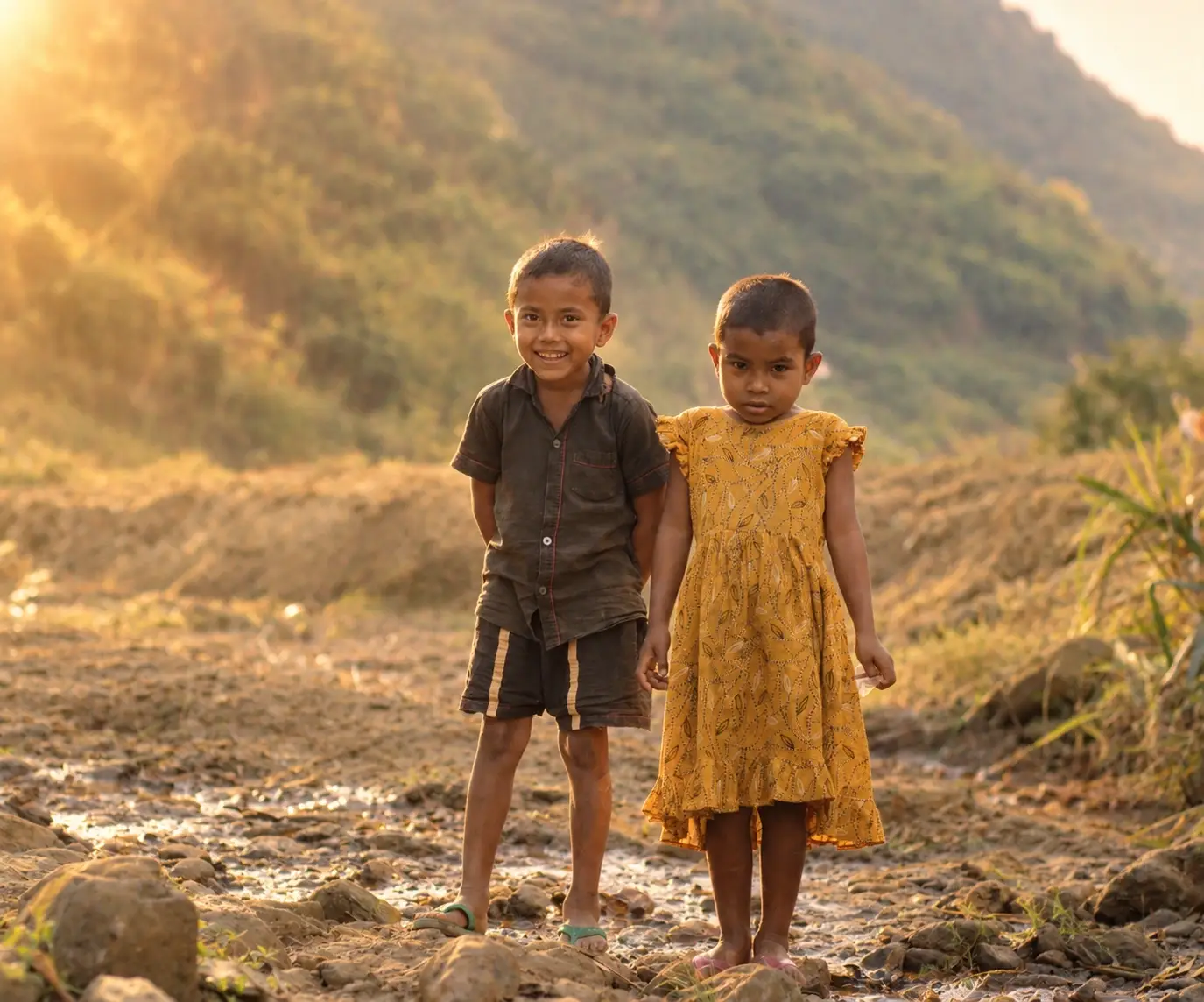
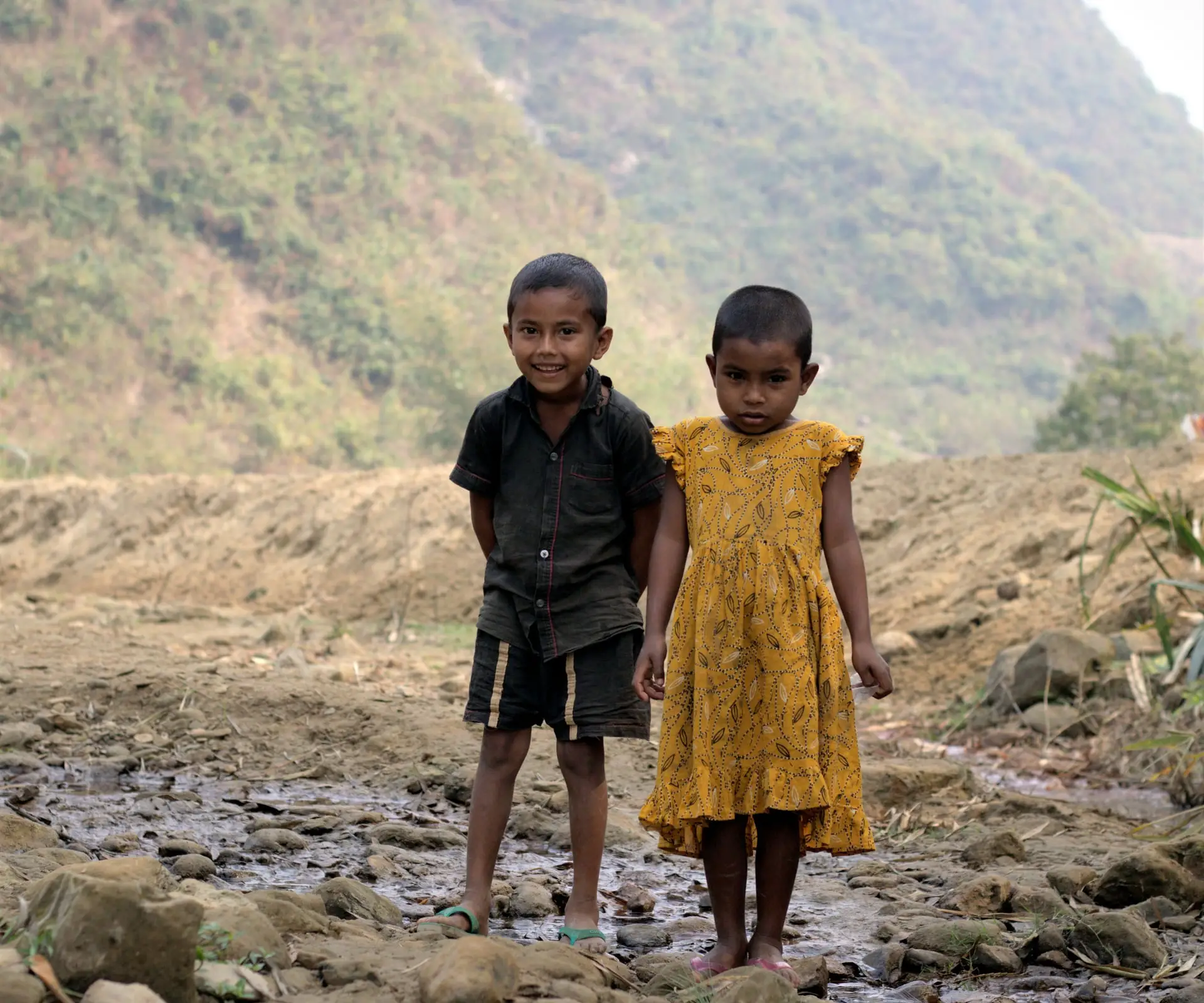 Original photo
Golden Hour 35mm Film Look
Photo@abeChatGPT
Restyle this photo as if shot on Kodak Portra 400 at golden hour. Warm amber highlights, slightly lifted shadows, soft halation around bright areas, fine film grain, shallow depth of field, natural skin tones.
View prompt